Explore how to use auto reply comment Facebook page tools to boost engagement, respond instantly, and convert comments into customers automatically in 2025.
🚀 Introduction
Your Facebook page is your storefront, billboard, and customer service desk — all rolled into one. But with hundreds of followers and non-stop comment activity, keeping up manually is impossible. That’s where auto reply comment Facebook page tools become essential.
These tools don’t just save time — they supercharge engagement, create trust, and drive real conversions. In 2025, they’re not optional; they’re your secret weapon.
🤖 What Is Auto Reply Comment Facebook Page?
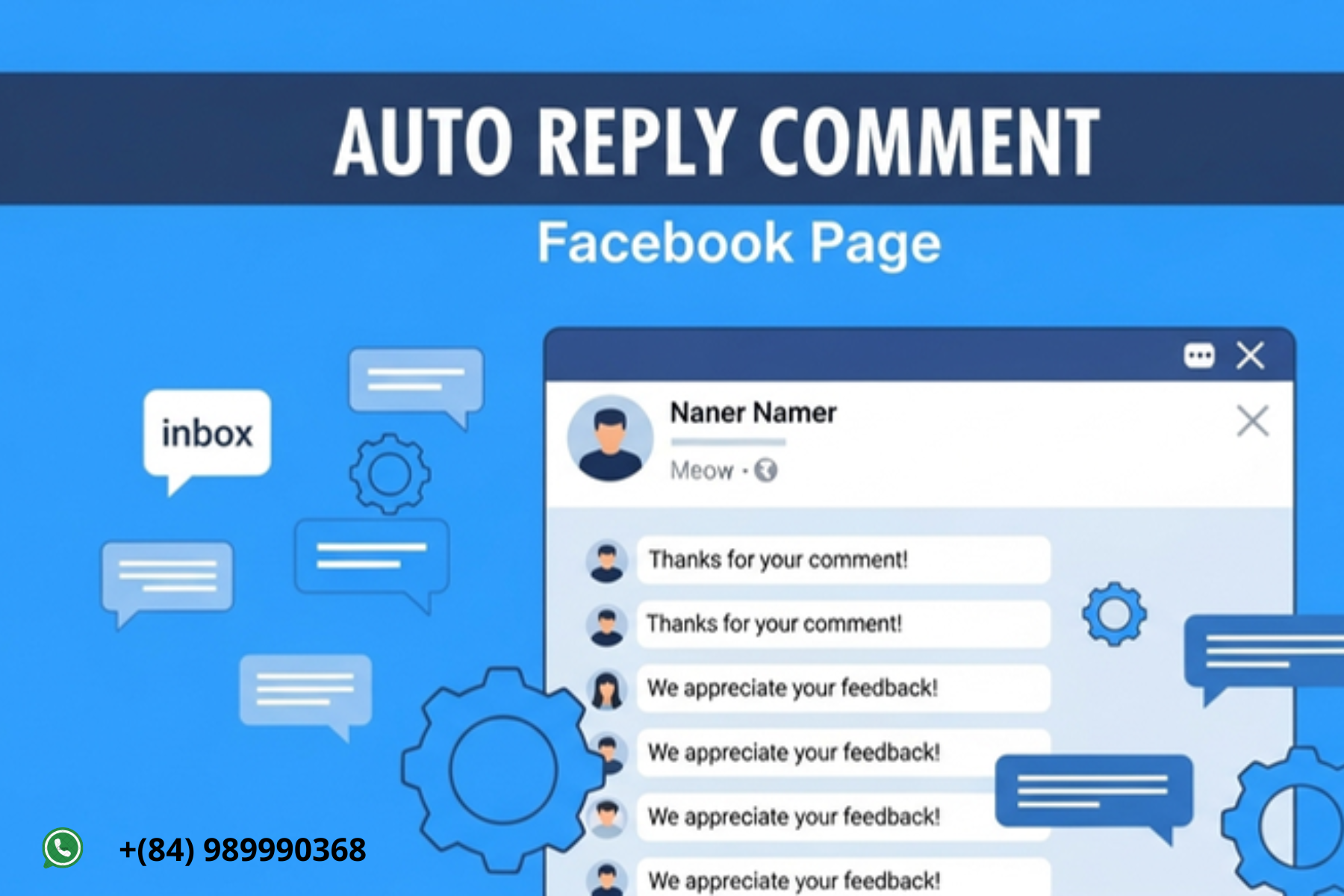
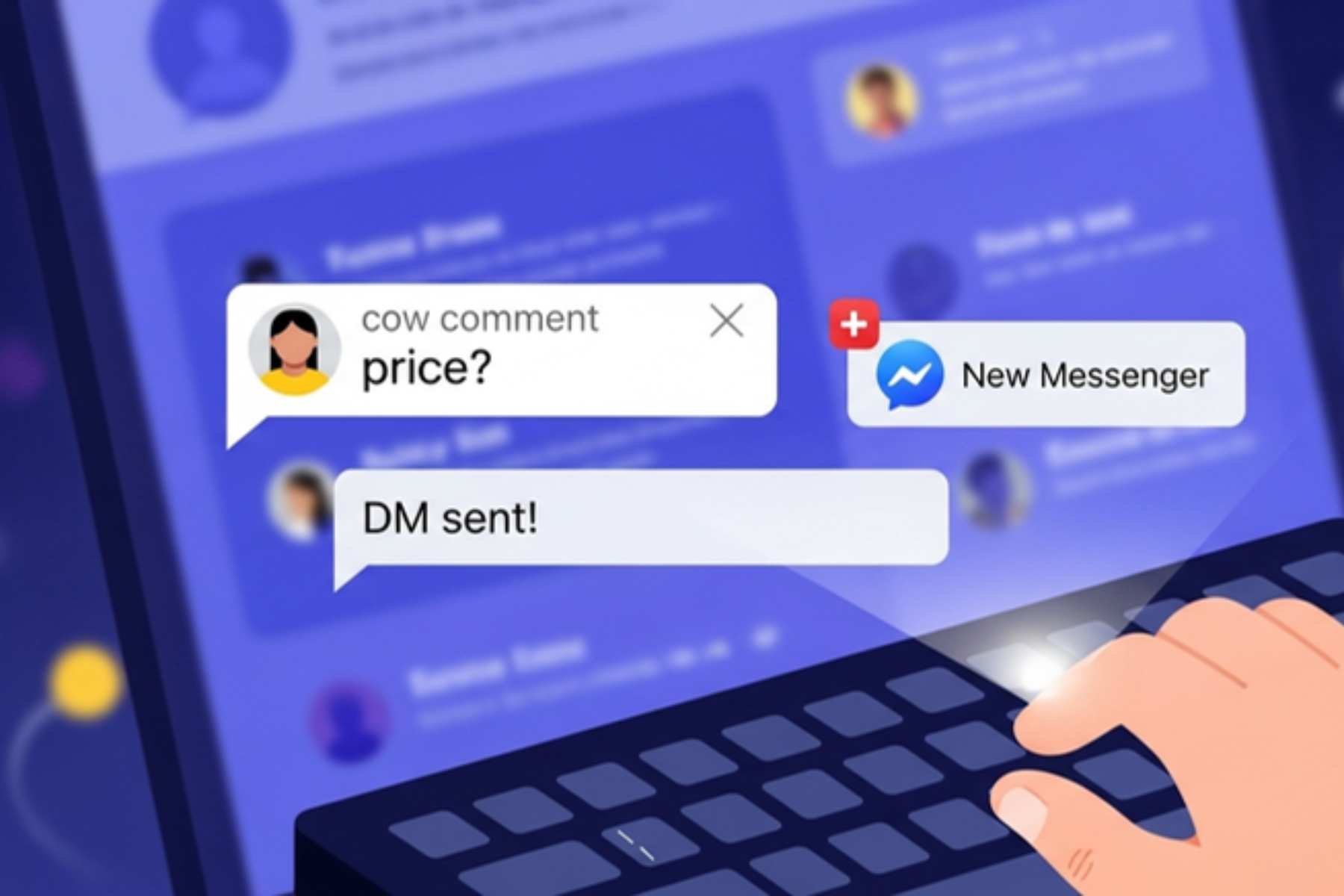
Auto reply comment Facebook page refers to software that automatically replies to comments made by users on your Facebook page’s posts.
The replies can be:
-
Public (as a direct reply under their comment)
-
Private (via inbox message)
-
Conditional (based on keywords like “price”, “how much”, “link”)
-
Customizable with text, emojis, links, or calls to action
🎯 Why Use Auto Reply on Your Facebook Page?
Because attention spans are short — and Facebook rewards instant interactions.
| Benefit | Explanation |
|---|---|
| ⚡ Speed | Replies go out in real time, no waiting |
| 💬 Engagement | More conversation → more algorithm love |
| 🛍️ Sales | Instant answers reduce friction and drive conversions |
| 🧠 Intelligence | Learn what your audience wants based on comment patterns |
| 📉 Reduce burnout | No more hours manually replying to repeat questions |
In short: it’s automation that actually brings you closer to your audience — not further.
🛠️ How to Set Up Auto Reply Comment Facebook Page
Let’s take a typical setup using a tool like MKT Post, ManyChat, or Chatfuel.
Step 1: Connect Your Facebook Page
Use the tool’s dashboard to securely connect your business page using token or Meta API.
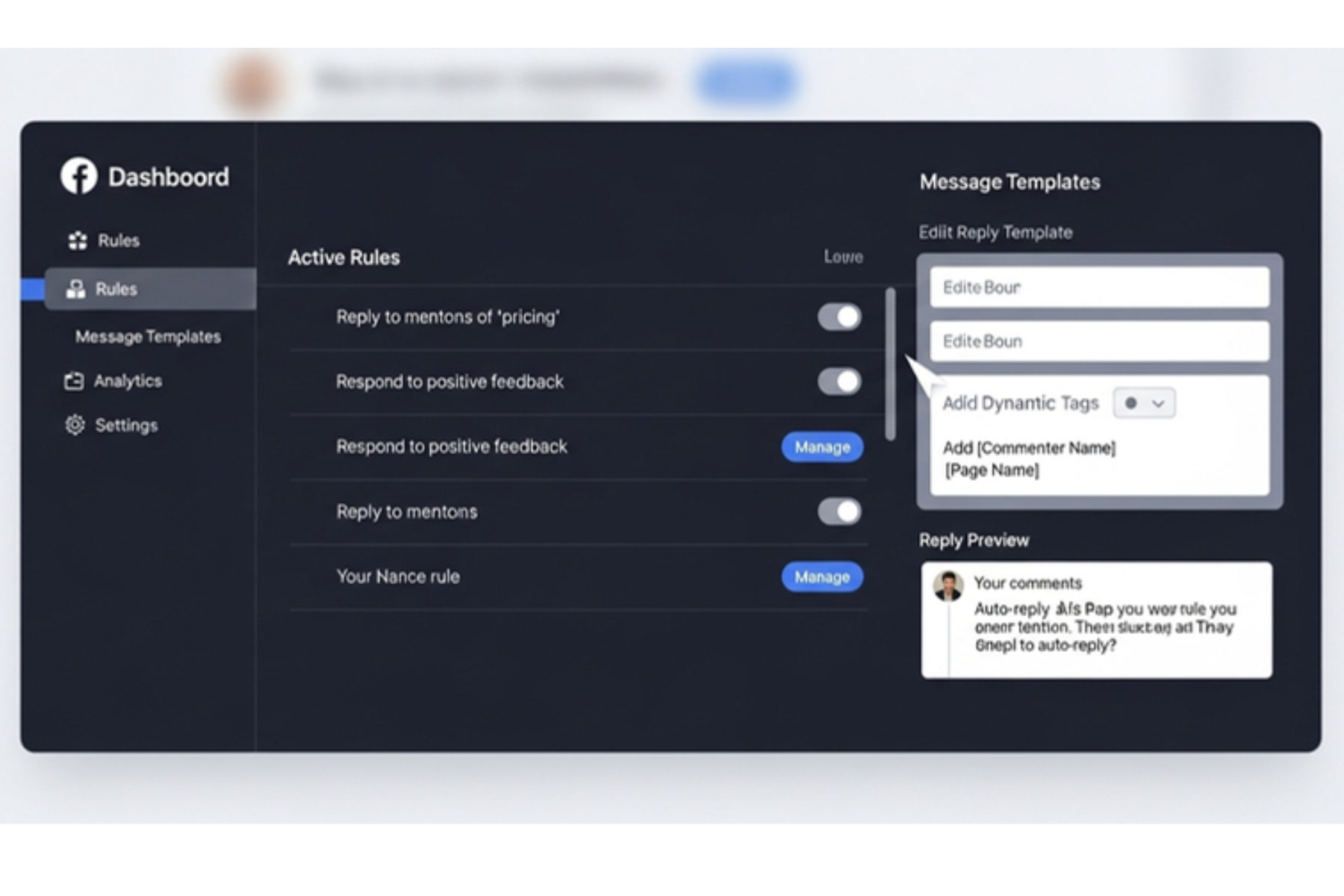
Step 2: Choose Comment Triggers
Options include:
-
All comments
-
Only comments with specific keywords (e.g., “price”, “inbox”, “info”)
-
One-time per user or repeated per comment
Step 3: Write Your Reply Messages
Use friendly, natural language. Example:
Add variation with Spintax:
Step 4: Set Reply Format
-
Public reply under comment
-
Private inbox message
-
Both (recommended)
Step 5: Test and Launch
Post a test comment and monitor the system. Make tweaks as needed.
📢 Use Case Examples
Auto reply comment Facebook page strategies can be used in dozens of ways:
🛍️ Product Posts
-
“Comment ‘code’ for 10% off” → Auto reply with discount + link
🎁 Giveaways
-
Auto confirm entries: “You’re in! Winner announced Friday.”
💡 Q&A or Educational Posts
-
“What questions do you have about X?” → Auto reply with helpful links or answers
📦 Order Confirmations
-
“Just ordered!” → “✅ Order received! We’ll inbox shipping details.”
🧩 Tips to Maximize Success
| Tip | Reason |
|---|---|
| 🎨 Add emojis | Makes replies look natural and friendly |
| ⏱️ Delay replies | 2–3 seconds feels more human |
| 🧠 Vary responses | Prevents spam detection |
| 💡 Ask questions | Keeps users engaging back |
| 🤖 Pair with inbox flow | Create full auto funnel from comment → Messenger → conversion |

🔐 Facebook Policy & Safe Practices
Yes, auto reply tools are allowed — as long as you follow the rules:
✅ Never reply with misleading content
✅ Don’t spam every post in seconds — space it out
✅ Use approved APIs or tools with good safety ratings
✅ Avoid “banned” keywords (e.g., crypto links, external platforms)
✅ Always include opt-out in inbox flow (if using chatbot reply)
💼 Best Tools for Auto Reply Comment Facebook Page (2025)
| Tool | Highlights |
|---|---|
| MKT Post | Simple UI, fast setup, supports inbox combo, Vietnamese support |
| ManyChat | Messenger flow builder, great for remarketing |
| Chatfuel | Easy to use, good for e-commerce bots |
| ZTool | Lightweight, affordable auto reply tool |
| Meta Suite (manual) | For saved replies only, not full auto |
📊 What Results Can You Expect?
-
⏱️ 80–90% reduction in manual comment handling
-
📬 3x inbox messages from post comment triggers
-
📈 40–60% improvement in post engagement
-
💰 +15–30% uplift in sales from faster reply experience
🔗 Call to Action
🚀 Want to automate your Facebook page replies like a pro?
Try our Auto Reply Comment Facebook Page solution today.
🎁 Free trial + onboarding support available
📩 Contact via What’s app | Telegram | Website